Introduction
Web development is one of the most in-demand and future-proof careers in 2026. From creating websites and web applications to building interactive user experiences, web developers play a key role in the digital world.
If you’re a beginner with no coding experience, this guide will help you understand what skills you need, which tools to learn, and how to start a successful career in web development in 2026.
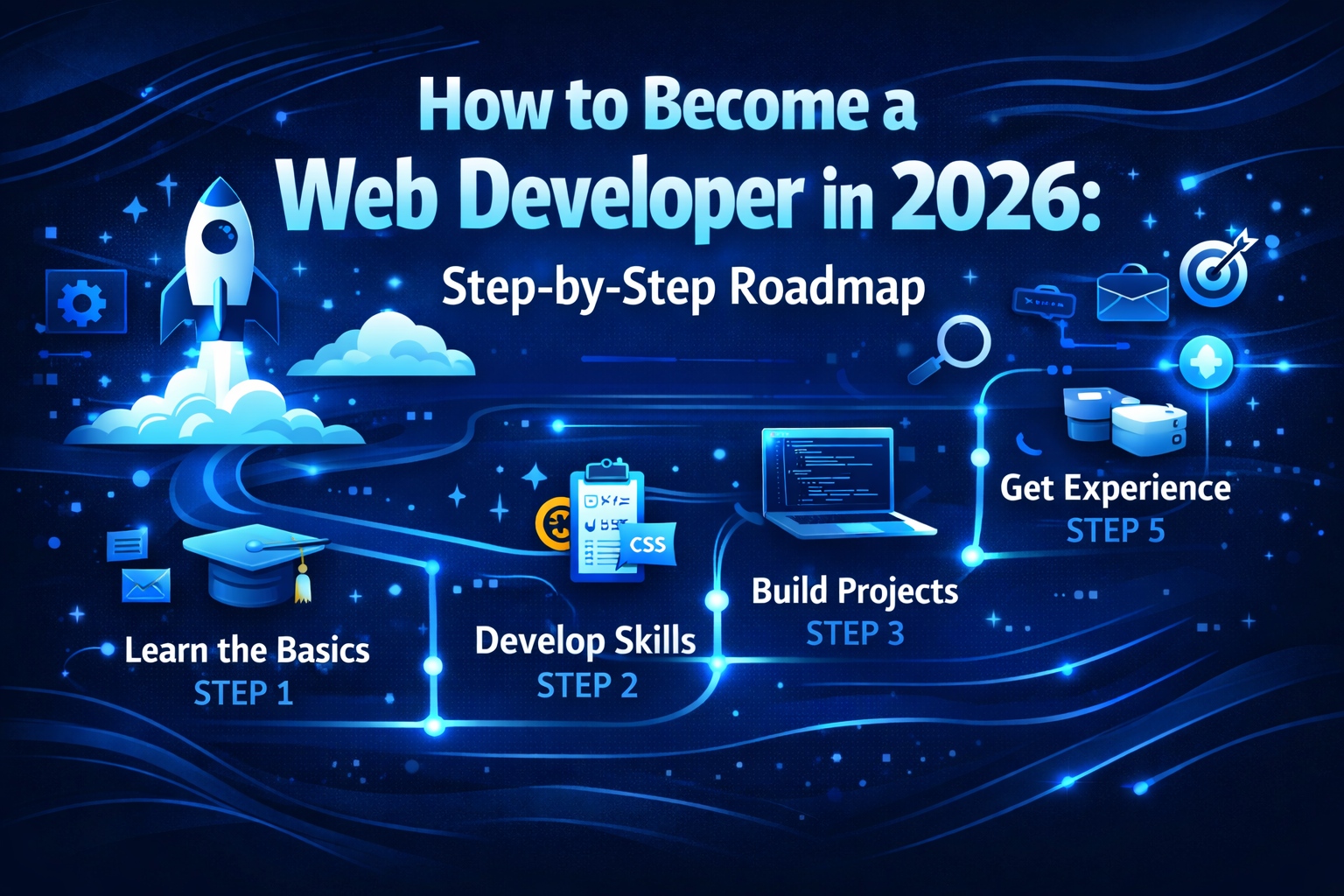
Step 1: Understand the Basics of Web Development
Before writing a single line of code, it’s essential to know what web development is:
- Frontend Development – what users see (HTML, CSS, JavaScript)
- Backend Development – server-side logic (Node.js, PHP, Python)
- Full-Stack Development – both frontend & backend
📌 Internal link suggestion: Link to [What Is Web Development? Beginner’s Guide]
Understanding these roles will help you choose the right learning path.
Step 2: Learn HTML, CSS, and JavaScript
These are the core building blocks of every website:
HTML
- Provides the structure of a website
- Tags for headings, paragraphs, images, and links
CSS
- Styles the website
- Controls colors, fonts, layout, and responsiveness
JavaScript
- Makes websites interactive
- Used for animations, forms, dynamic content
📌 Internal link suggestion: Link to [HTML vs CSS vs JavaScript – Beginner’s Guide]
💡 Image suggestion: Diagram showing HTML, CSS, JavaScript workflow
Step 3: Choose Your Path – Frontend, Backend, or Full-Stack
Frontend Developer
Focuses on what users see and interact with:
- Skills: HTML, CSS, JavaScript, React, Angular, Vue.js
- Tools: Chrome DevTools, Figma, VS Code
Backend Developer
Handles server-side logic:
- Skills: Node.js, PHP, Python, SQL, APIs
- Tools: Git, Database tools, Postman
Full-Stack Developer
Can do both frontend and backend:
- Learn all the frontend and backend skills
- Highly in demand globally
💡 Image suggestion: Frontend vs Backend vs Full-Stack diagram
Step 4: Learn Version Control (Git & GitHub)
Version control is essential for collaboration and project management:
- Install Git on your computer
- Create a GitHub account
- Learn to push, pull, and manage code repositories
This is a must for freelancing and team projects.
Step 5: Build Small Projects
Practical experience is critical:
- Personal Portfolio Website
- Simple Blog
- To-do List App using JavaScript
- Mini eCommerce Project
💡 Tip: Use free tools like CodePen, Replit, or Glitch to practice online.
Step 6: Learn a Framework or CMS
For Frontend
- React.js, Vue.js, Angular
- Makes building interactive websites easier
For Backend
- Node.js (JavaScript runtime)
- PHP with Laravel
- Python with Django
For Quick Websites
- WordPress
- Shopify (for eCommerce)
💡 Internal link suggestion: Link to [Best Free Tools for Web Developers]
Step 7: Practice Responsive Design
Websites must work on all devices:
- Use CSS Flexbox and Grid
- Test on mobile, tablet, and desktop
- Use tools like BrowserStack for testing
📌 Image suggestion: Responsive website screenshot
Step 8: Learn Deployment & Hosting
Your website is complete only when it’s live online:
- Buy a domain & hosting (Bluehost, Hostinger)
- Use FTP or GitHub Pages
- Deploy static sites or web apps
💡 Learning deployment boosts your resume and portfolio.
Step 9: Build Your Portfolio
A strong portfolio opens doors to jobs and freelance clients:
- Showcase 3–5 projects
- Include live website links
- Describe technologies used
- Add GitHub repository links
📌 Internal link suggestion: Link to [Portfolio Guide / Career & Freelancing category]
Step 10: Start Freelancing or Apply for Jobs
Freelancing Opportunities
- Fiverr, Upwork, Freelancer
- Build small client projects
- Start with lower rates, gradually increase
Full-Time Jobs
- Frontend, Backend, Full-Stack Developer roles
- Internships first to gain experience
💡 Tip: Networking on LinkedIn and GitHub improves your chances.
Step 11: Keep Learning
Web development trends change rapidly:
- Learn about AI-assisted coding tools (like GitHub Copilot, ChatGPT)
- Explore Next.js, React Native, and modern frameworks
- Stay updated with free tutorials, blogs, and YouTube channels
Final Thoughts
Becoming a web developer in 2026 is achievable for beginners, as long as you follow a structured roadmap:
- Learn the basics (HTML, CSS, JavaScript)
- Choose a development path
- Practice through projects
- Learn frameworks & deployment
- Build a portfolio
- Apply for jobs or freelance
- Keep updating your skills
Consistency and real-world practice are key.