Parent communication is vital, but it’s often the biggest source of teacher burnout. By 2026, AI has moved beyond generic “templates.” The latest tools can now scan your gradebook, analyze a student’s recent behavior logs, and draft a perfectly toned response in seconds.
Here are the three AI assistants teachers actually trust to handle their inboxes in 2026.
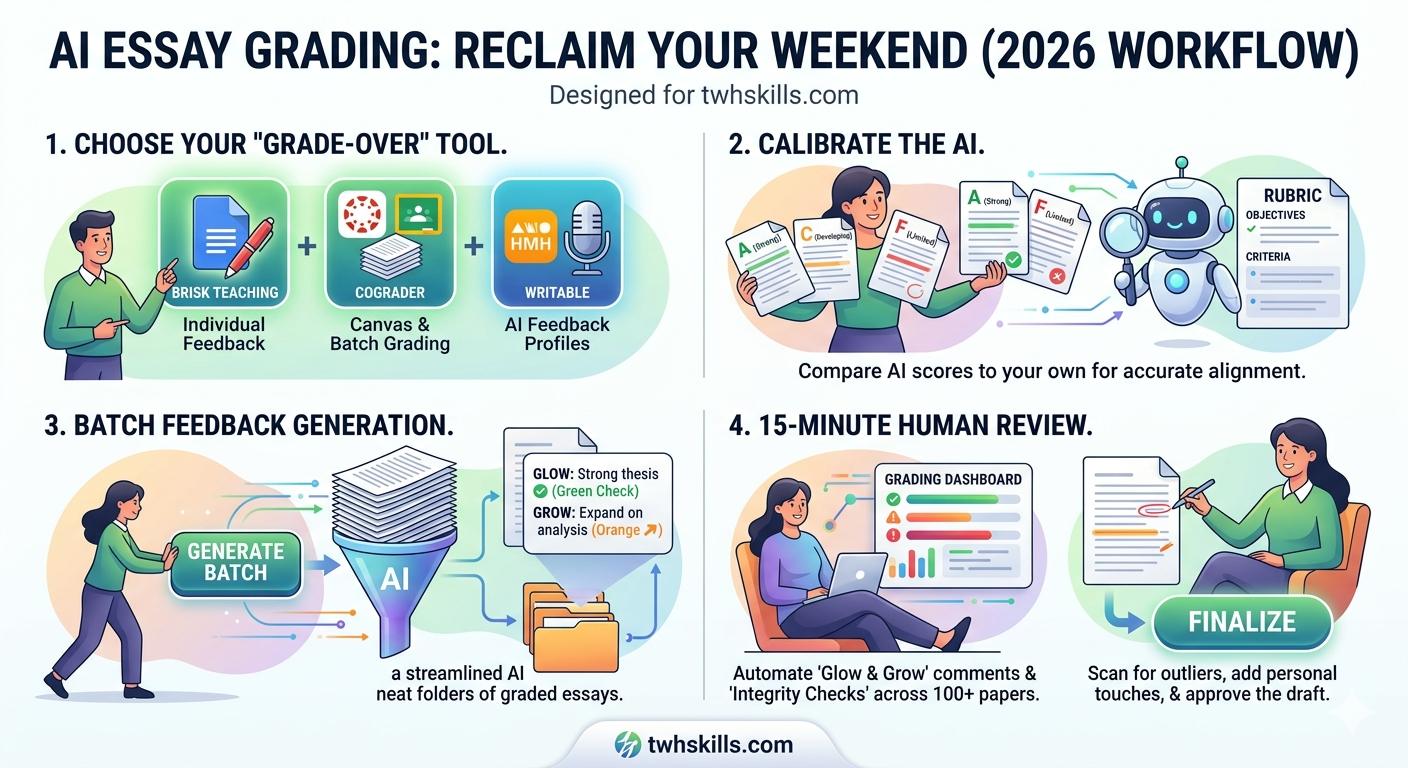
1. Brisk Teaching (The “Live-In” Assistant)
Brisk is a Chrome extension that lives directly inside your Gmail and Google Classroom. It is the most popular choice for teachers who want zero friction.
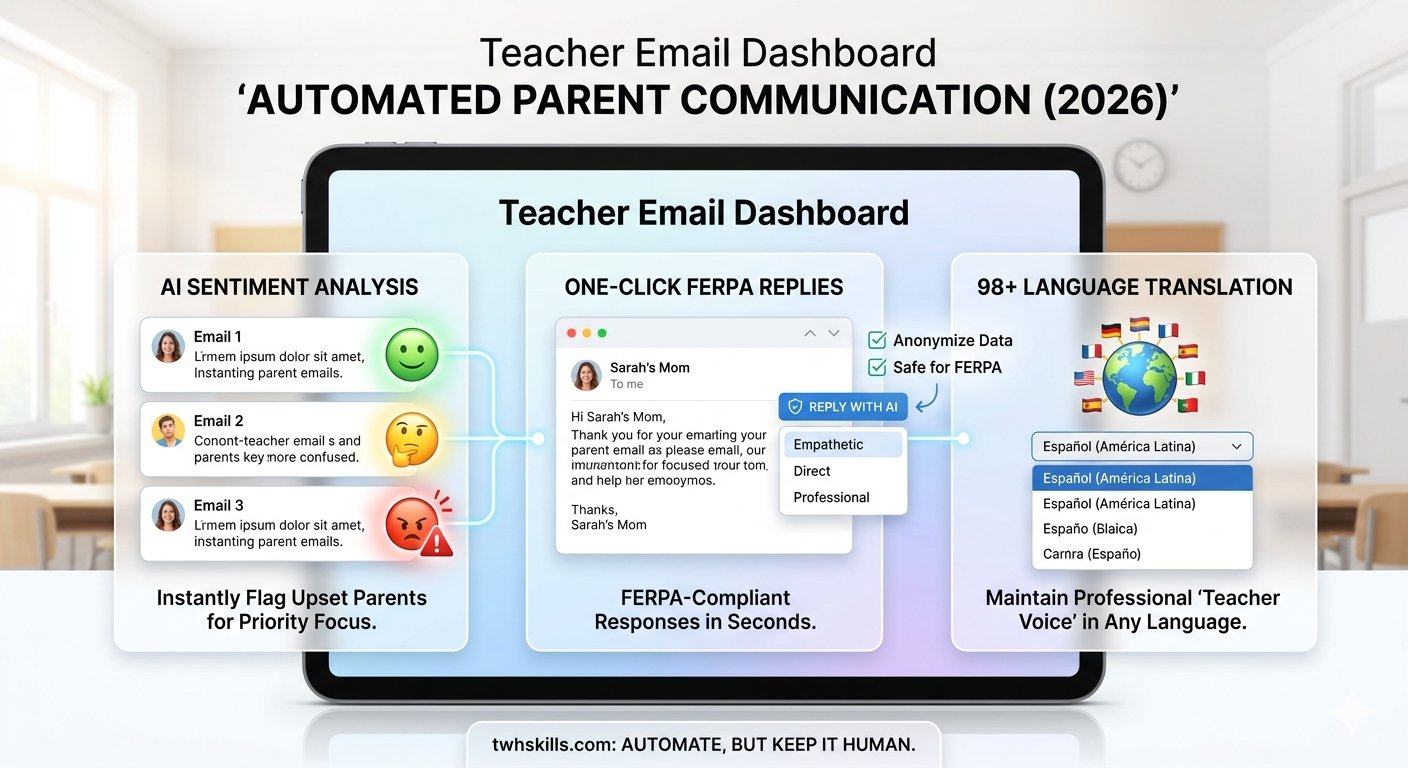
- How it works: When you open a parent’s email, Brisk provides a small “Reply with AI” button. You can choose a “Tone” (Empathetic, Direct, or Professional) and give it a one-sentence instruction like: “Tell them Johnny is doing great in math but needs to turn in his late homework by Tuesday.”
- The 2026 Edge: Brisk is now FERPA-compliant by design. It automatically flags if you’ve accidentally included sensitive student data and suggests anonymous phrasing instead.
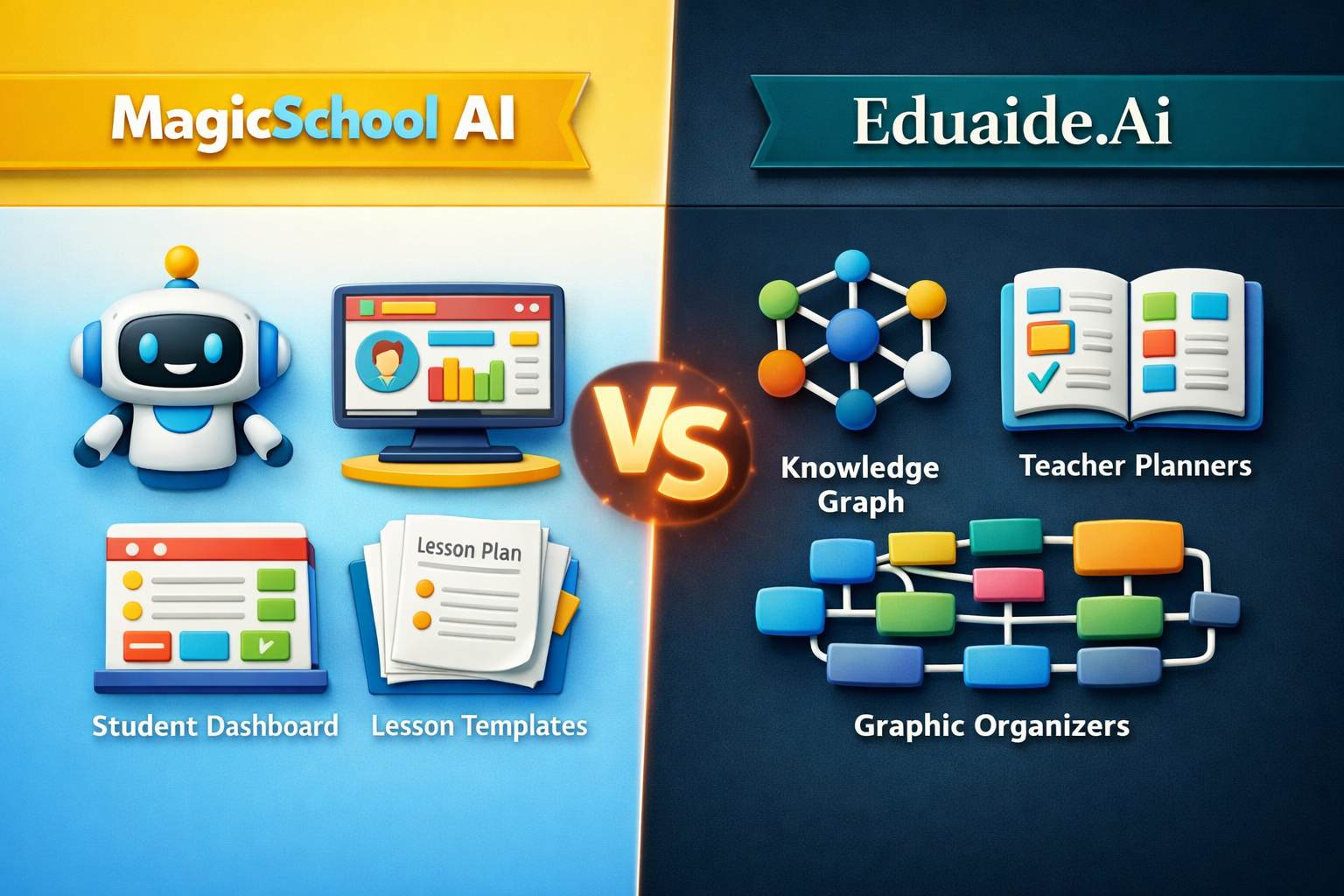
2. MagicSchool AI (The “Communication Suite”)
MagicSchool is an all-in-one platform, but its “Professional Communication” suite is specifically designed for high-stakes parent interactions.
- How it works: It features specialized tools like the “Email Responder” and the “Difficult Conversation Script Generator.” It helps you move from a reactive “defense” mode to a proactive “partnership” mode.
- The 2026 Edge: It now supports 98+ languages. You can write an email in English, and MagicSchool will translate it into the parent’s native language while maintaining the exact professional “Teacher Voice” you intended.
3. ParentSquare AI (The “District-Level” Powerhouse)
If your school uses ParentSquare, their 2026 “Smart Post Rewrite” and “AI Translation” tools are game-changers for mass communication.
- How it works: Instead of individual emails, this is for classroom-wide announcements or newsletters. The AI analyzes your draft and suggests rewrites to maximize “Translatability” and “Accessibility” for families with low literacy levels.
- The 2026 Edge: It includes a “Sentiment Analysis” feature. It can flag incoming parent messages that sound “Highly Upset,” allowing you to prioritize those for a phone call instead of an email.
Comparison: Speed vs. Emotional Intelligence
| Tool | Integration | Best Feature | 2026 “Secret Sauce” |
| Brisk | Gmail/Chrome | One-click replies | FERPA Data Guardrails |
| MagicSchool | Web App | 98+ Language Translation | Difficult Script Generator |
| ParentSquare | District Portal | Accessible Mass Messaging | Incoming Sentiment Analysis |
3 Golden Rules for AI Emails at TWH Skills
- The “2-Minute Rule”: Never send an AI-generated email without a 2-minute “Human Polish.” AI can be too formal; add a personal detail about the student to show you care.
- Privacy First: Even with 2026’s advanced security, never type a student’s full legal name into a general-purpose AI like ChatGPT. Stick to school-approved tools like Brisk or MagicSchool.
- The “Phone Call” Trigger: If the AI flags a parent’s sentiment as “Aggressive” or “Highly Emotional,” stop typing. AI cannot replace the nuance of a human voice during a conflict.