Introduction
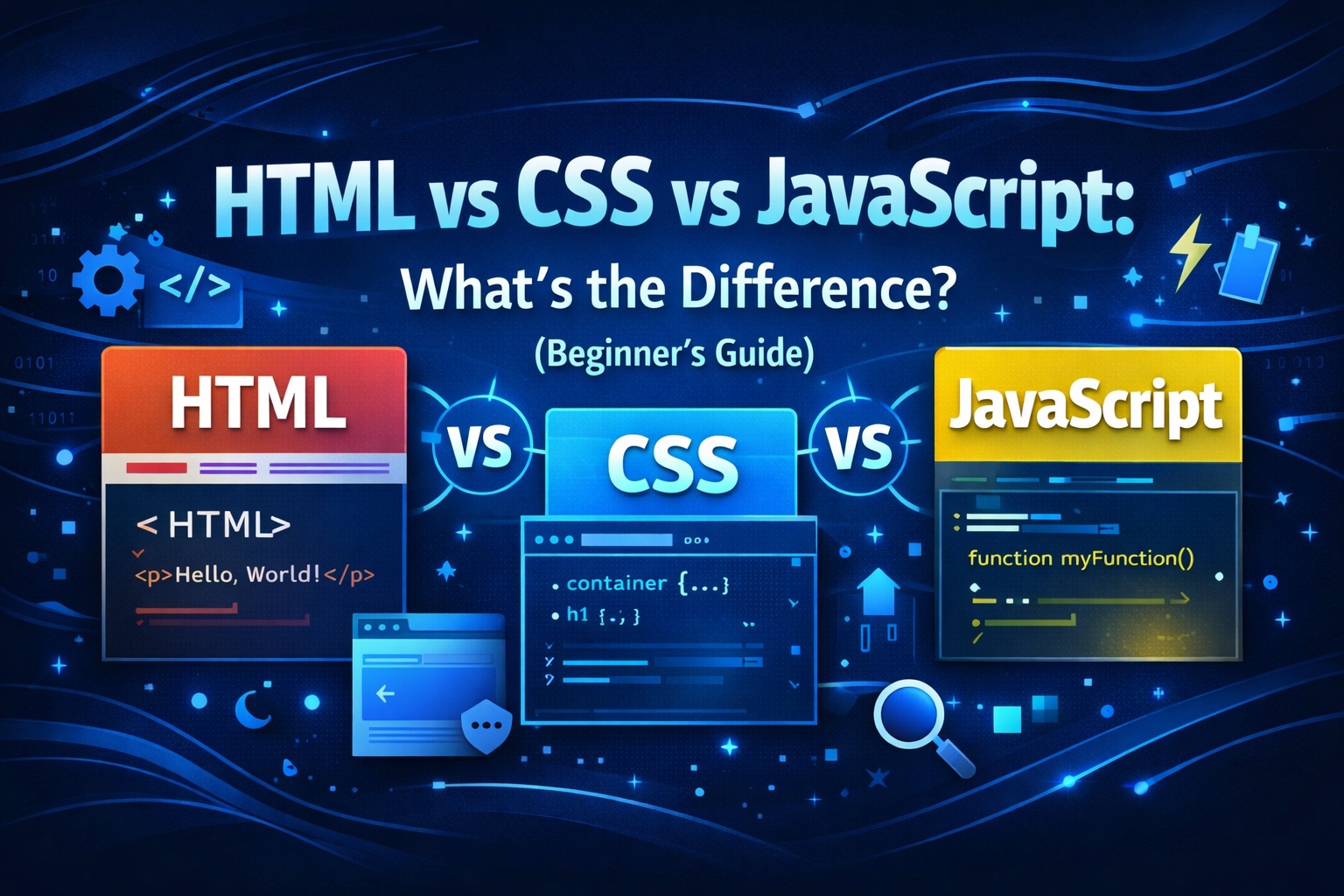
If you are new to web development, you’ve probably heard about HTML, CSS, and JavaScript. These three technologies form the foundation of almost every website on the internet.
But beginners often get confused:
- What does HTML do?
- Why is CSS needed?
- Where does JavaScript fit in?
In this beginner-friendly guide, we will clearly explain HTML vs CSS vs JavaScript, how they work together, real-life examples, and when to learn each one.
By the end of this article, you’ll have a clear understanding of their roles and how to start learning web development the right way.
What Is HTML?
HTML (HyperText Markup Language) is the structure of a website. It tells the browser what content to display and how it is organized.
What HTML Does
HTML is used to:
- Create headings and paragraphs
- Add images, videos, and links
- Build forms and buttons
- Structure a webpage
Think of HTML as the skeleton of a building.
Example of HTML Code
<h1>Welcome to TWH Skills</h1>
<p>This is a beginner-friendly tech learning platform.</p>
This code tells the browser:
- Display a heading
- Show a paragraph below it
Key Features of HTML
- Easy to learn
- Not a programming language
- Works in all browsers
- Forms the base of every website
📌 Image suggestion:
Diagram showing webpage structure created using HTML
What Is CSS?
CSS (Cascading Style Sheets) controls the design and appearance of a website.
If HTML is the skeleton, CSS is the skin and clothing.
What CSS Does
CSS is used to:
- Change colors and fonts
- Control layout and spacing
- Make websites responsive
- Improve visual appearance
Example of CSS Code
h1 {
color: blue;
font-size: 32px;
}
This code styles the HTML heading by:
- Changing color to blue
- Increasing text size
Types of CSS
- Inline CSS – inside HTML tags
- Internal CSS – inside <style> tag
- External CSS – separate .css file (recommended)
Key Features of CSS
- Improves user experience
- Separates design from content
- Makes websites responsive
- Saves time with reusable styles
📌 Image suggestion:
Before & after website design using CSS
What Is JavaScript?
JavaScript is a programming language that makes websites interactive and dynamic.
Without JavaScript, websites would be mostly static.
What JavaScript Does
JavaScript allows websites to:
- Show alerts and popups
- Validate forms
- Create sliders and animations
- Load content without refreshing
- Build web apps
Example of JavaScript Code
button.onclick = function() {
alert(“Welcome to TWH Skills!”);
}
This code shows a popup message when a button is clicked.
Key Features of JavaScript
- Adds interactivity
- Runs in the browser
- Works with HTML & CSS
- Essential for modern web apps
📌 Image suggestion:
JavaScript interaction example (button click animation)
HTML vs CSS vs JavaScript (Comparison Table)
| Feature | HTML | CSS | JavaScript |
| Purpose | Structure | Design | Functionality |
| Type | Markup Language | Style Sheet | Programming Language |
| Difficulty | Easy | Easy–Medium | Medium |
| Interactivity | ❌ No | ❌ No | ✅ Yes |
| Required for Websites | ✅ Yes | ✅ Yes | Optional but powerful |
How HTML, CSS, and JavaScript Work Together
A website works like this:
- HTML creates the structure
- CSS styles the structure
- JavaScript adds behavior
Real-Life Example
Think of a car:
- HTML → Car body
- CSS → Paint and design
- JavaScript → Engine and controls
All three are important for a complete website.
📌 Image suggestion:
HTML + CSS + JavaScript workflow diagram
Which One Should You Learn First?
For beginners, the correct learning order is:
- HTML – Learn structure
- CSS – Learn design
- JavaScript – Learn interaction
Trying JavaScript without HTML & CSS can be confusing.
👉 Read next: What Is Web Development? Beginner’s Guide
👉 Also helpful: How to Become a Web Developer Step by Step
Career Scope: HTML, CSS, and JavaScript
Learning these skills opens doors to many careers:
- Frontend Developer
- Web Designer
- Full-Stack Developer
- WordPress Developer
- Freelance Web Developer
Salary Insight (India – Approx.)
- Beginner: ₹3–5 LPA
- Experienced: ₹8–15+ LPA
Freelancers can earn globally.
📌 Internal link idea: Link to Career & Freelancing category
Common Beginner Mistakes
- Skipping HTML basics
- Copy-pasting code without understanding
- Not practicing enough
- Ignoring responsive design
- Learning too many frameworks early
Focus on strong fundamentals first.
Final Thoughts
HTML, CSS, and JavaScript are the core building blocks of the web. Each has a unique role, and together they create powerful, modern websites.
If you’re just starting, don’t rush. Learn step by step, practice regularly, and build small projects.
Once you master these basics, advanced frameworks and tools will become much easier.