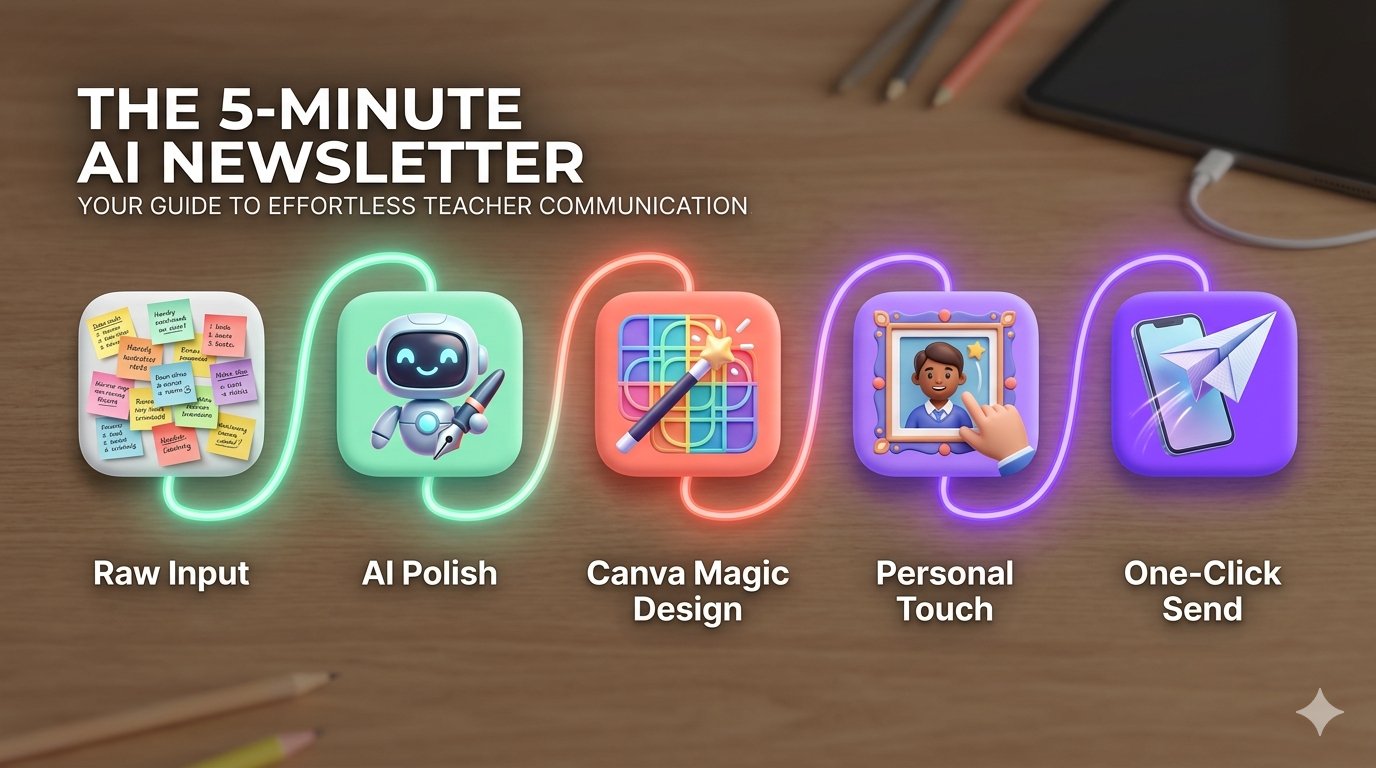
In 2026, the “Sunday Night Newsletter Scramble” is dead. The secret isn’t just using AI to write—it’s using Design Intelligence to format everything instantly. Here are the top tools and the exact workflow to automate your parent updates.
1. Canva Magic Design: The “Prompt-to-Newsletter” King
Canva’s 2026 Magic Design feature is a game-changer. You no longer have to drag and drop boxes for an hour.
- How it works: Simply type: “Create a 1-page elementary classroom newsletter with a ‘Space’ theme including a section for ‘Math Updates,’ ‘Upcoming Field Trip,’ and ‘Student of the Week’.”
- The AI Edge: Canva will generate 5–10 fully designed, branded templates populated with your specific headings. You just swap out the placeholder text.
2. Smore AI: The Data-Driven Educator’s Choice
Smore has been a teacher favorite for years, but its 2026 AI Content Assistant makes it faster than ever.
- How it works: It features a “Smart Import.” You can link a Google Doc or a list of bullet points, and Smore will automatically sort them into an engaging, mobile-responsive layout.
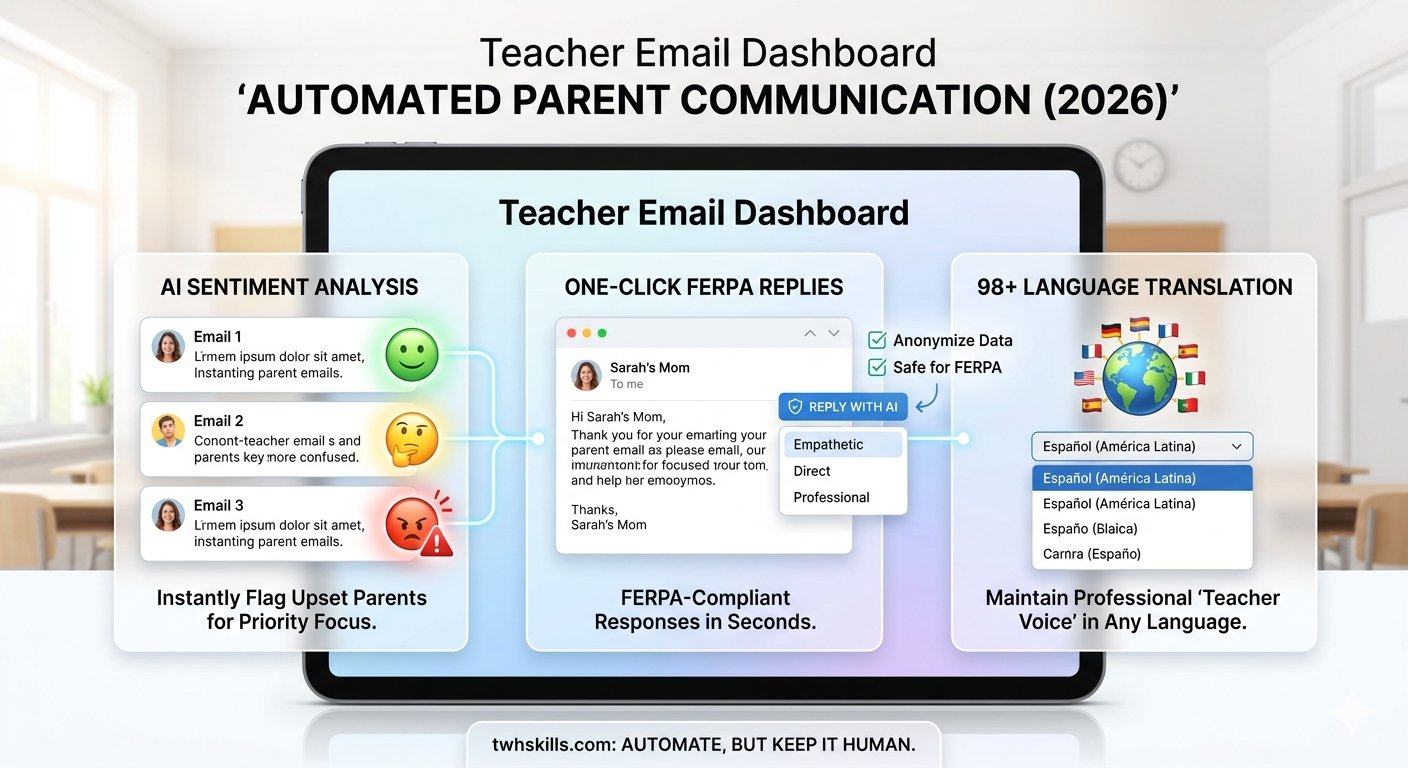
- The AI Edge: It includes Automatic Translation into 130+ languages, ensuring every family in your district can read your updates in their native tongue.
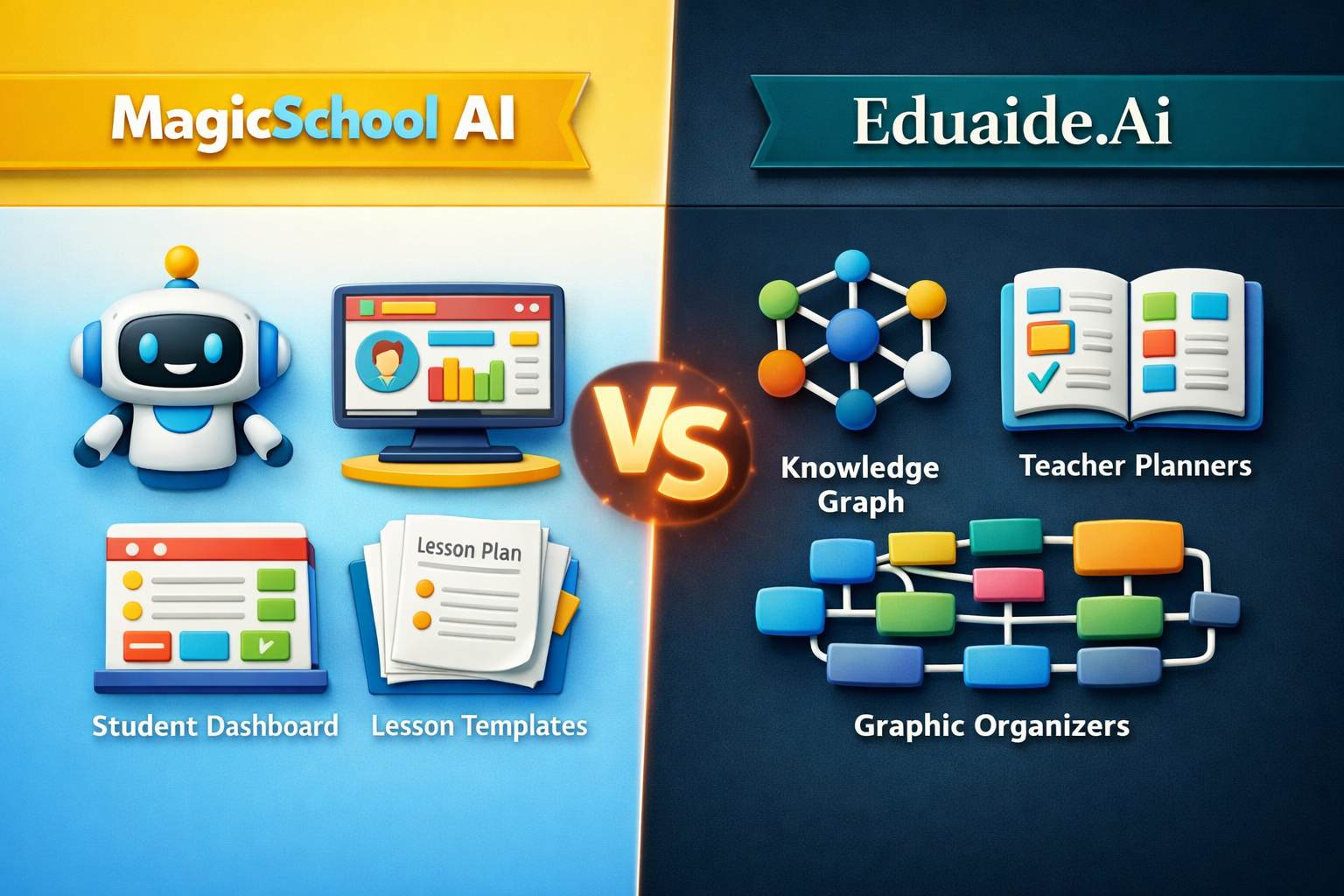
3. MagicSchool AI: The “Newsletter Draft” Generator
If you struggle with what to say, start here. MagicSchool’s Family Communication tool is designed for clarity and professional tone.
- How it works: Input your raw notes (e.g., “Quiz Tuesday, bring permission slips, we learned about volcanoes”).
- The AI Edge: It outputs a polished, structured draft. You can then copy-paste this directly into your school’s email system or a Canva template.
The 5-Minute “TWH Skills” Workflow
| Minute | Task | Tool |
| 1 | Dump Your Notes: Type out 5–10 bullet points of what happened this week. | Any Notes App |
| 2 | Polish the Text: Use AI to turn bullets into “Teacher-Voice” paragraphs. | MagicSchool AI |
| 3 | Generate Design: Input your theme and headings to create the layout. | Canva Magic Design |
| 4 | Drop & Swap: Paste your polished text and swap in 2–3 classroom photos. | Canva / Smore |
| 5 | One-Click Send: Export as a PDF or send as an accessible email link. | Smore / ParentSquare |
3 Pro-Tips for Better Newsletters
- Mobile-First Design: In 2026, 85% of parents read newsletters on their phones. Use Smore or Adobe Express because they automatically resize text for small screens.
- The “3-Bullet Rule”: Parents are busy. Use AI to summarize each section into exactly three bullet points. If it’s longer than that, they won’t read it.
- Visual “Hooks”: Use AI to generate a fun, themed header image (e.g., “A watercolor illustration of a friendly robot reading a book”) to make your newsletter stand out in a crowded inbox.